A $40 metal box lets a datacentre SSD run at full speed in a desktop slot

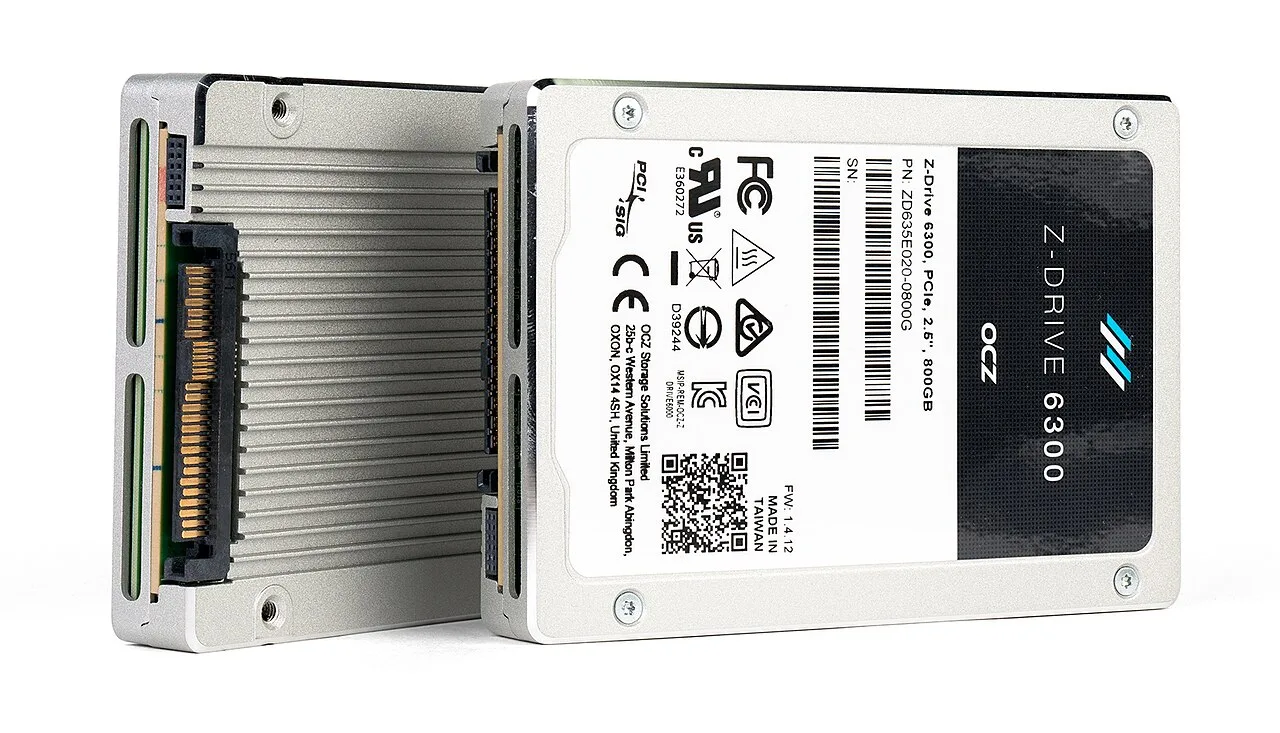
A U.2 SSD is the same flash chip as the stick in your laptop, packaged as a 2.5-inch metal brick that assumes a server fan is blowing air over it. Drop one into an ordinary desktop and it cooks itself, then slows down. ADT's R27A-BK3 is a PCIe card that holds the drive inside a metal shell with its own blower fan, and in ServeTheHome's testing a Gen5 drive through it ran 20 minutes at 7,838 MB/s without throttling.
First, the parts. U.2 is the server version of an M.2 SSD: same NVMe flash, different physical shape, hot-swappable, and its spec sheet assumes airflow. The adapter is wiring plus a shell. PCIe gold fingers on the bottom edge, an SFF-8639 connector inside for the U.2 brick, a 4-pin PWM fan cable at the back (PWM means the motherboard sets the fan speed), and vents in the I/O plate. ADT also sells a Gen4 version, so the generation has to be checked before ordering. ServeTheHome calls it "an inexpensive way to add a U.2 NVMe SSD to a system that only has standard PCIe slots" (servethehome.com/adt-r27a-bk3-u-2-to-pcie-sl…).
The numbers. A Solidigm D7-PS1010, 7.68TB on PCIe Gen5 x4, peaked at 7,946 MB/s and sustained 7,838 MB/s over 20 minutes of 128K sequential writes, a 1.4% drop, with temperature leveling at 70 C. An older Samsung MZQLB7T6HMLA-00007, 7.68TB on Gen3 x4, peaked at 2,252 MB/s and sustained 2,179 MB/s, a 3.2% drop, peaking at 78 C against an 86 C warning threshold. At 7,838 MB/s a 100 GB file moves in about 13 seconds; the Gen3 drive takes about 46 seconds for the same file.
The interesting result is the comparison with ADT's EDSFF version, which uses a different connector (SFF-TA-1002) for flatter drives and did throttle under the same kind of test. ServeTheHome's read: "In our testing, we did not see the same thermal throttling behavior we saw with the EDSFF version of this adapter." The difference is airflow, not silicon. The shell ducts air over the drive; the EDSFF version did not manage it.
What the test does not cover: 20 minutes of sequential writes is not a database workload, and sustained random reads are the pattern that heats a drive hardest. The blower also needs air to draw from, so a sealed case with no intake will not get the same result. If you have a spare PCIe slot and a U.2 drive, the fix is a duct and a fan, not a faster controller.